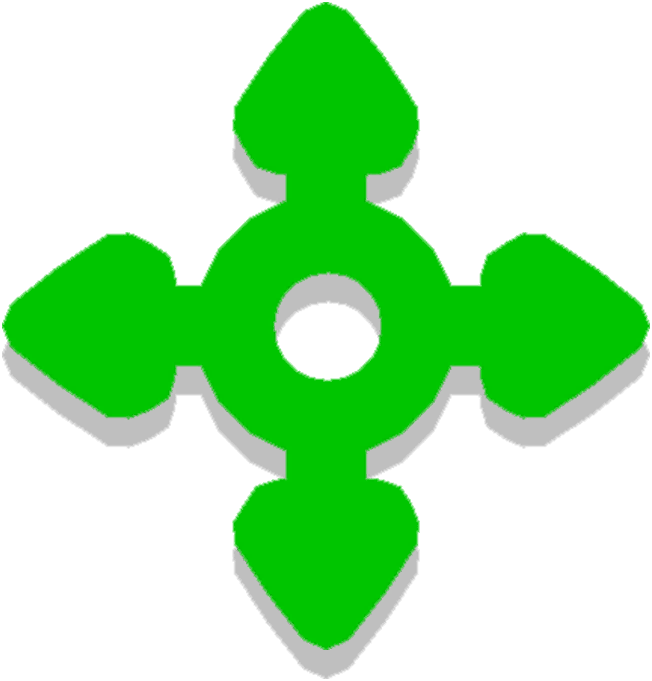
| “ | This controller is the anchoring start point for other objects connected to it. | „ |
| ~ Object description, Fall Guys Creative |
Movement Controllers (or movement controllers)[1] are interactive objects in Fall Guys Creative. They were first introduced in the Tropical Tides Update. Similarly to the Rotation Controller, objects linked to it will move on their own. Each Movement Controller comes with its own Waypoint, which can be moved around independently of the controller. Linked objects will move the distance and direction from the Movement Controller to the Waypoint, using the former as an anchoring start point and the latter as an end point.

A Movement Controller as seen in the Level Editor
In the Level Editor, a Movement Controller takes the shape of a green arrow cross with a hollow circle in its center. A double arrow, which resembles the arrows seen when 3D Rotating an object, runs through its center perpendicular to the arrow cross; the double arrow is not present in the object's icon. A Waypoint takes the shape of a green location marker with a green ring around its base.
Movement Controllers cost 5 budget, and each linked object costs an extra 15 budget. Only 10 Movement Controllers are allowed in one level. Waypoints are not given a budget.
Common uses
In the absence of more than two themes as well as certain obstacles, Movement Controllers are often linked with primitives and similar objects to recreate the following obstacles:
- Hover Platforms (Or Hoverboards)
- Moving Blocks
- Gates
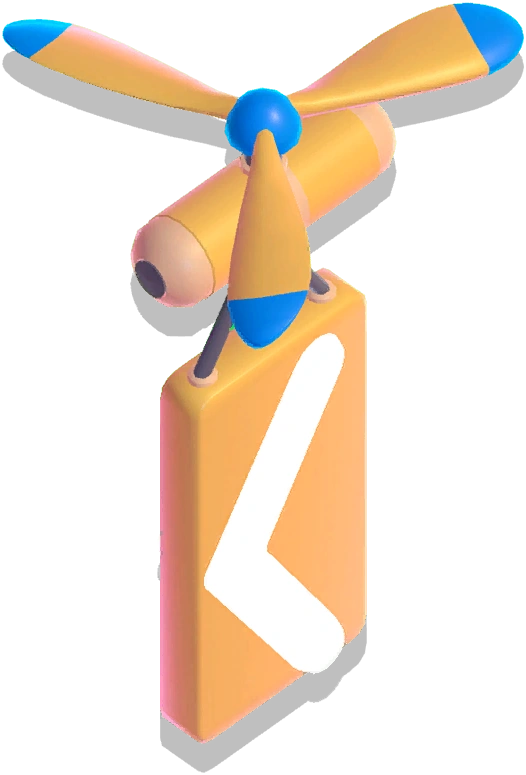
- Ion Thruster [2]
- Bumpers that move on straight paths
- Punching Glove-Like obstacles
Compatible objects
Most obstacles and interactives (such as other Rotation Controllers) cannot be linked to a Rotation Controller, but there are some exceptions, such as Bumpers.
Movement Controllers can be linked to Trigger Buttons, Pressure Plates, and Trigger Zones in order to be toggled.


Settings
| Setting | Available arguments | Default | Notes |
|---|---|---|---|
| Toggle On/Off | True/False | True | |
| Start Delay (s) | 0-Time Limit (minutes) × 60 | 0 | Increments of 0.5 |
| Movement Mode | Repeat, Teleport, Once | Repeat | |
| Speed | Slowest, Very Slow, Slow, Normal, Fast, Very Fast, Fastest, Yeet | Very Slow | |
| Pause Delay (s) | 0-Time Limit (minutes) × 60 | 0 | Increments of 0.5 Available only if Movement Mode is set to Repeat |
| Setting | Available arguments | Default | Notes |
|---|---|---|---|
| Start Delay (s) | 0-Time Limit (minutes) × 60 | 0 | Increments of 0.5 |
| Speed | Slowest, Very Slow, Slow, Normal, Fast, Very Fast, Fastest, Yeet | Very Slow |
References
- ↑ "This can be used to set an end point for the objects attached to a movement controller." - Waypoint description, Fall Guys Creative
- ↑ https://www.youtube.com/watch?v=lR7HdE-5tUs