
| “ | This controller is the axis of rotation for all other objects connected to it. | „ |
| ~ Object description, Fall Guys Creative |
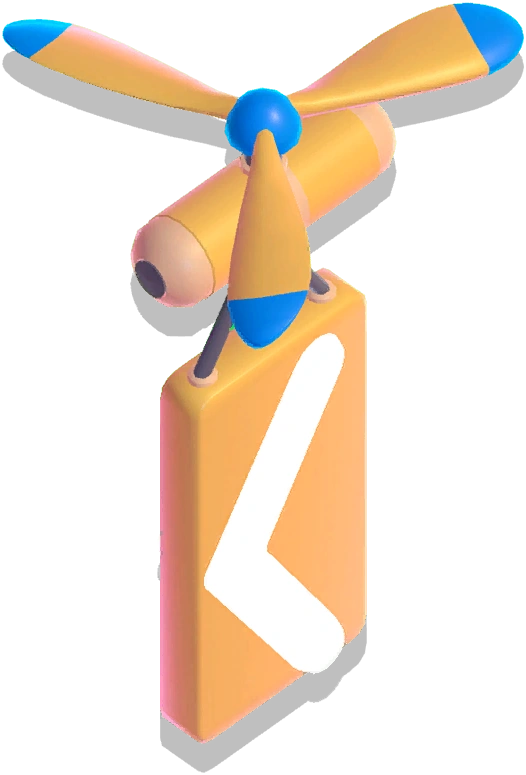
Rotation Controllers (or rotation controllers)[1] are interactive objects in Fall Guys Creative. They were first introduced in the Fall Forever Update. When various objects are linked to a Rotation Controller, they will rotate around the controller, which behaves as an axis, based on the latter's orientation in the Level Editor. Creators can choose whether to keep the orientations of linked objects, or let them change with the objects. They can also change the speed and start delay as well, though objects close to a Rotation Controller cannot move as fast as most disruptive obstacles.
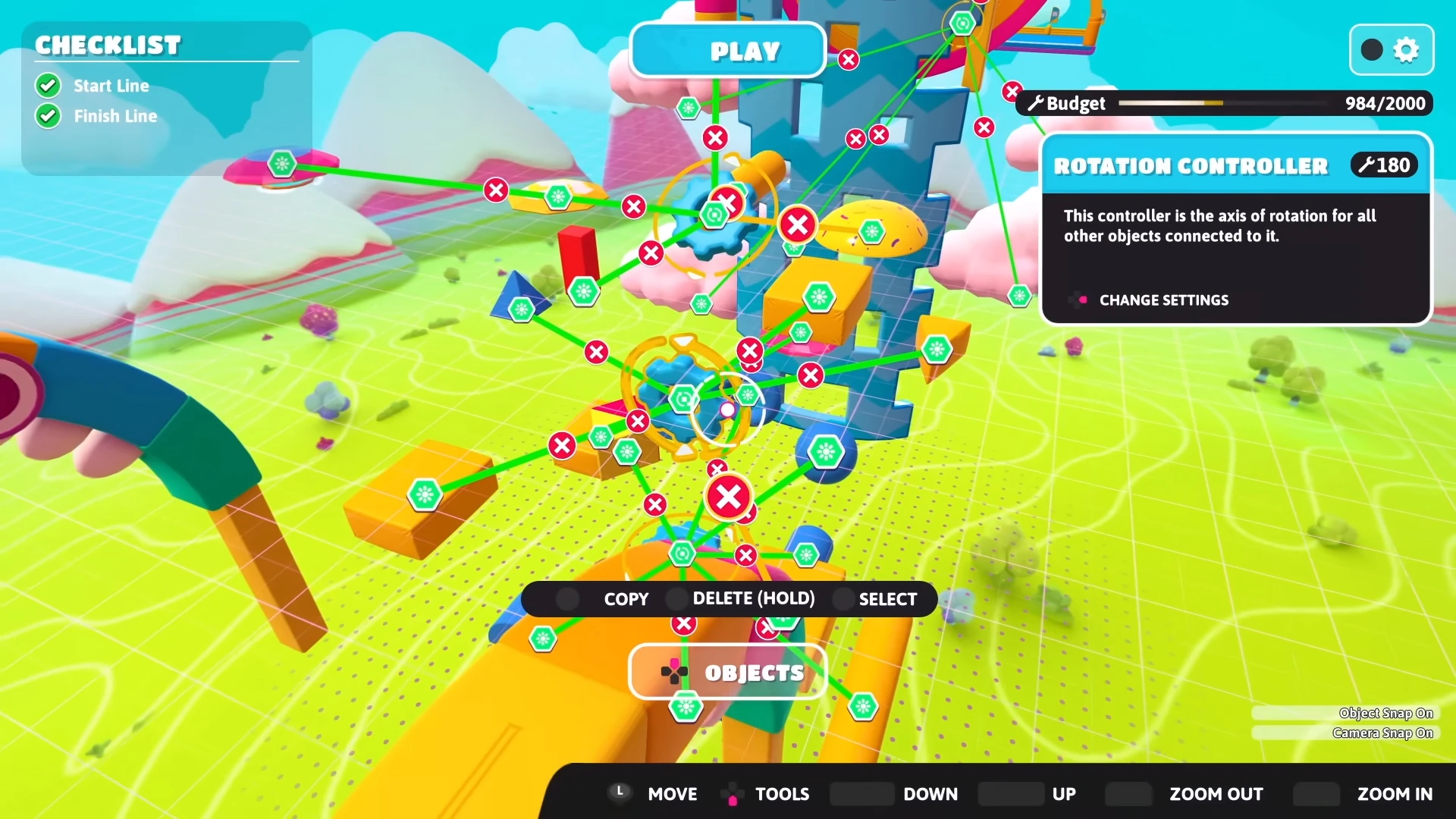
Several objects linked to a Rotation Controller
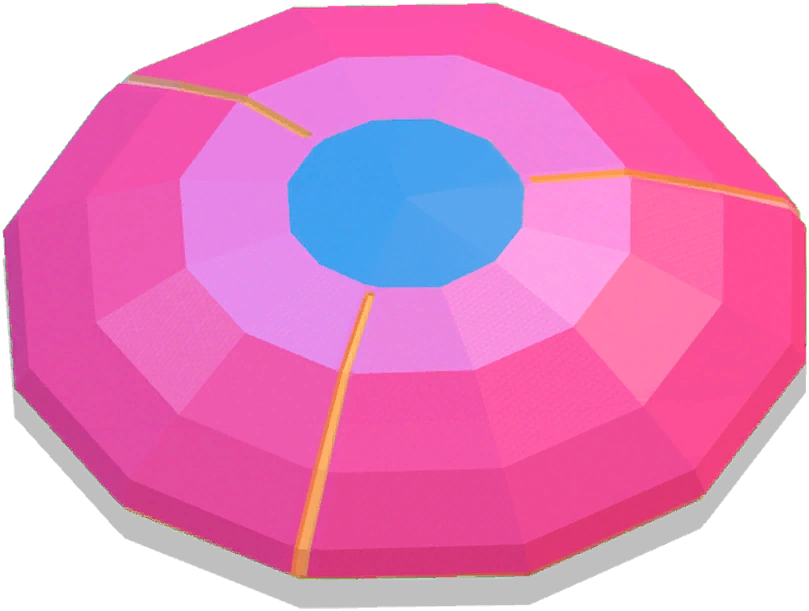
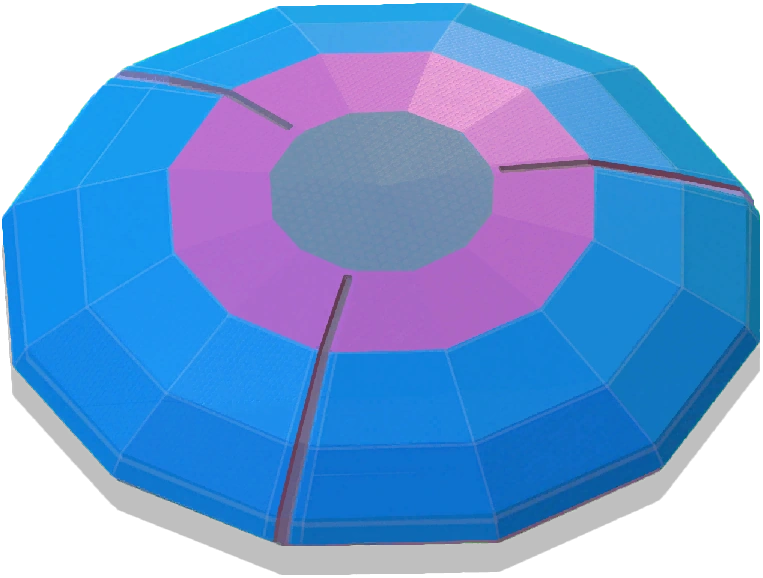
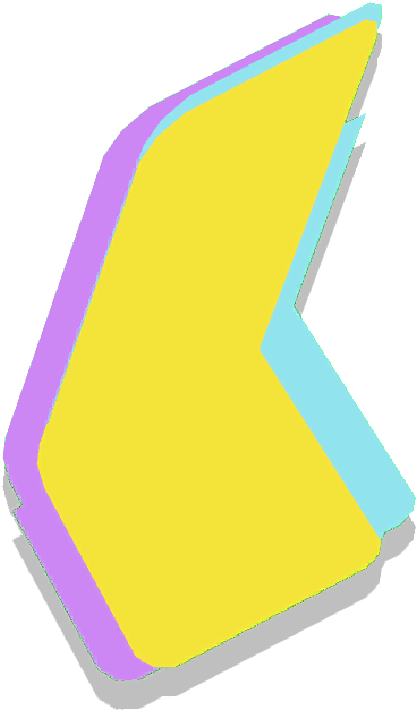
In the Level Editor, a Rotation Controller takes the appearance of a blue gear surrounded by two yellow arrows based on those seen while 3D Rotating an object.
Rotation Controllers cost 5 budget, and each linked object costs an extra 15 budget. Only 10 Rotation Controllers are allowed in one Level. At the launch of the Fall Forever Update, however, Rotation Controllers cost 40 budget, and each linked object cost an extra 20 budget. Only 5 Rotation Controllers were allowed in one Level. On 3 June 2024, the costs and limit were updated to the current ones.[2]
In the Tropical Tides Update, a similar object, the Movement Controller, was introduced to Fall Guys Creative. Objects linked to a Movement Controller move in a straight line.
Common uses
In the absence of more than two themes as well as certain obstacles, Rotation Controllers are often linked with primitives and similar objects to recreate the following obstacles:
- Hover Platforms
- Rotating Beams
- Rotating Hammers
- Spinning Plates
- Logs
- Rotating Walls (often without their openings, thereby resembling Turnstiles)
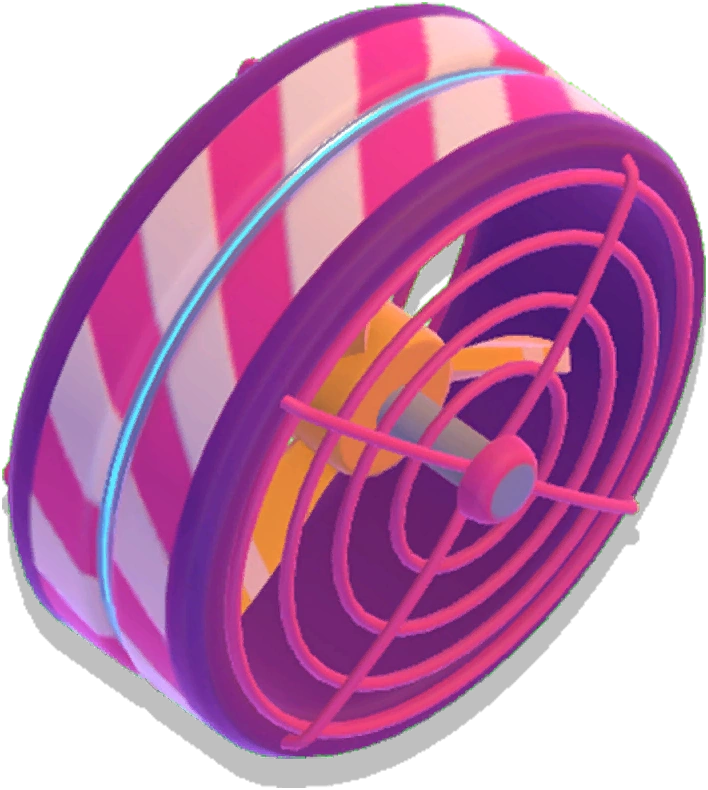
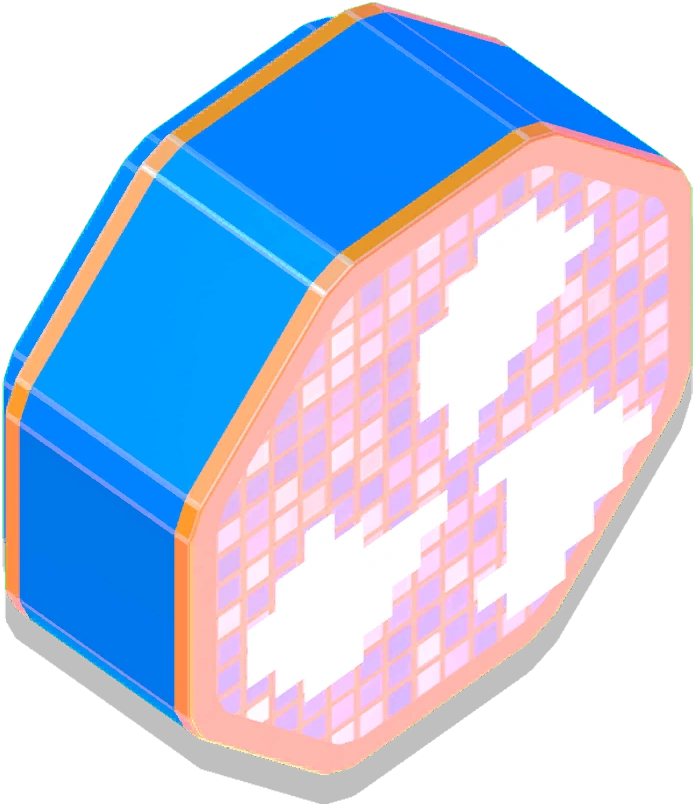
- Fans
- Thicc Bonkuses
- Spinning Blades
- Swinging Axes
- Gates (when paired with physics objects)
- Jump Ropes
- Bumpers that move on circular paths
Compatible objects
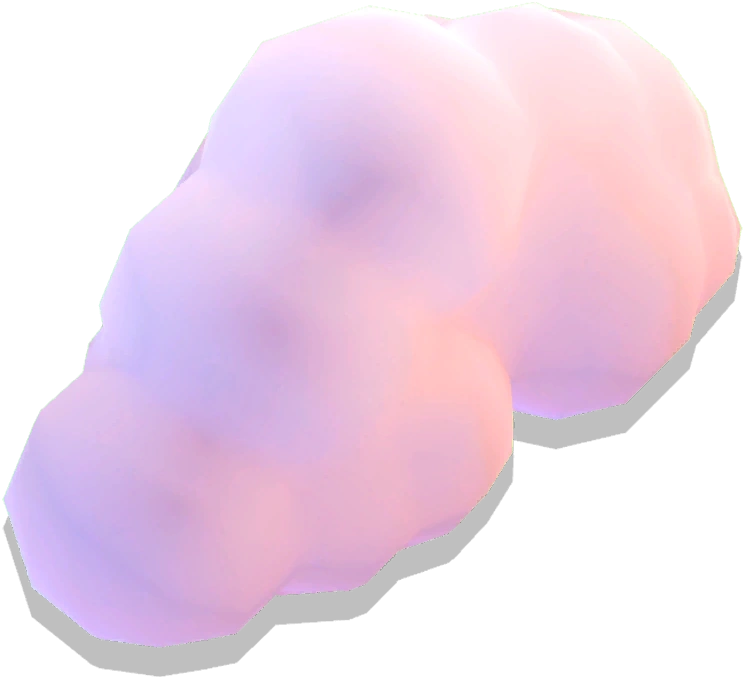
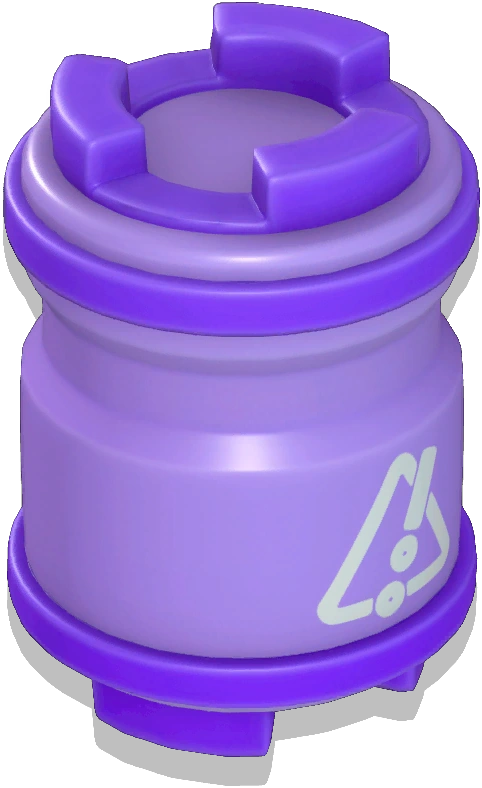
Most obstacles and interactives (such as other Rotation Controllers) cannot be linked to a Rotation Controller, but there are some exceptions, such as Boom Blasters and Blizzard Fans.
As of the Yeetropolis Update, a Rotation Controller can be linked to Trigger Buttons, Pressure Plates, and Trigger Zones in order to be toggled.



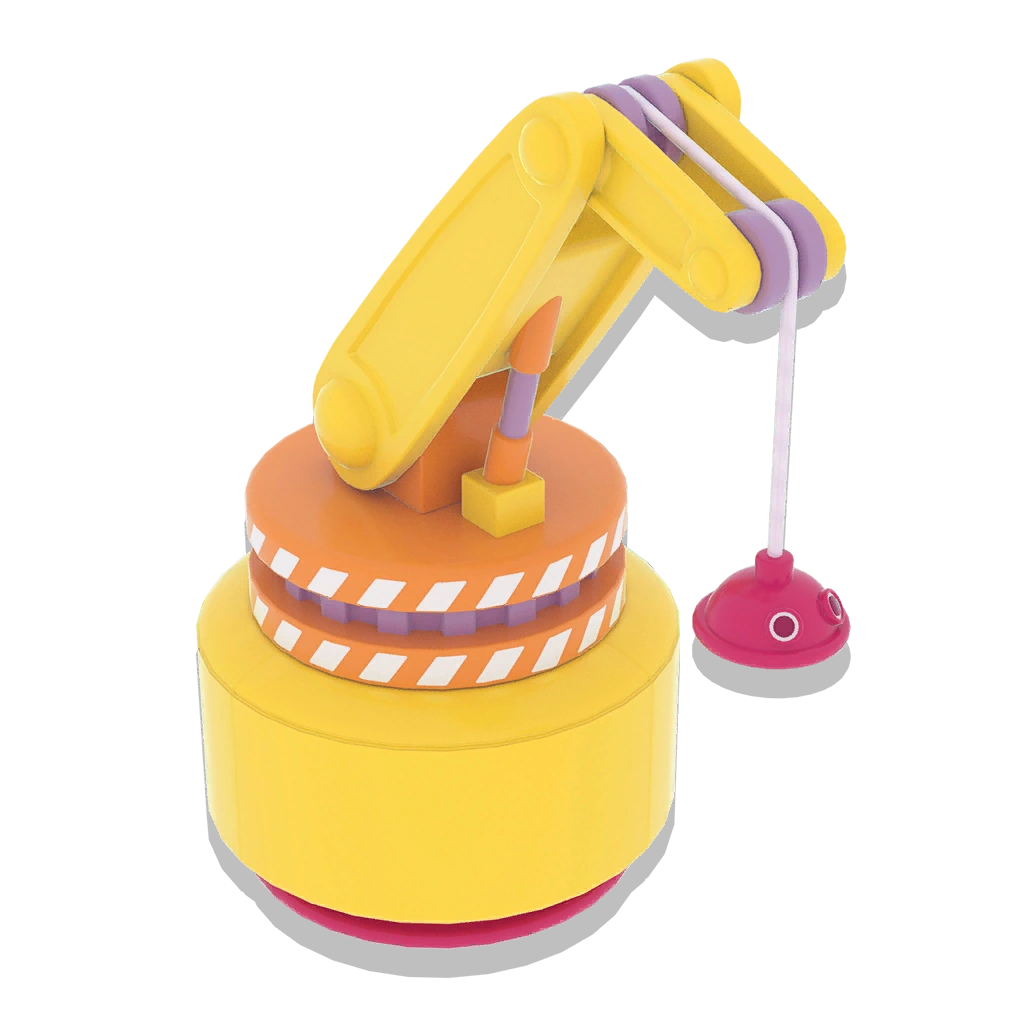
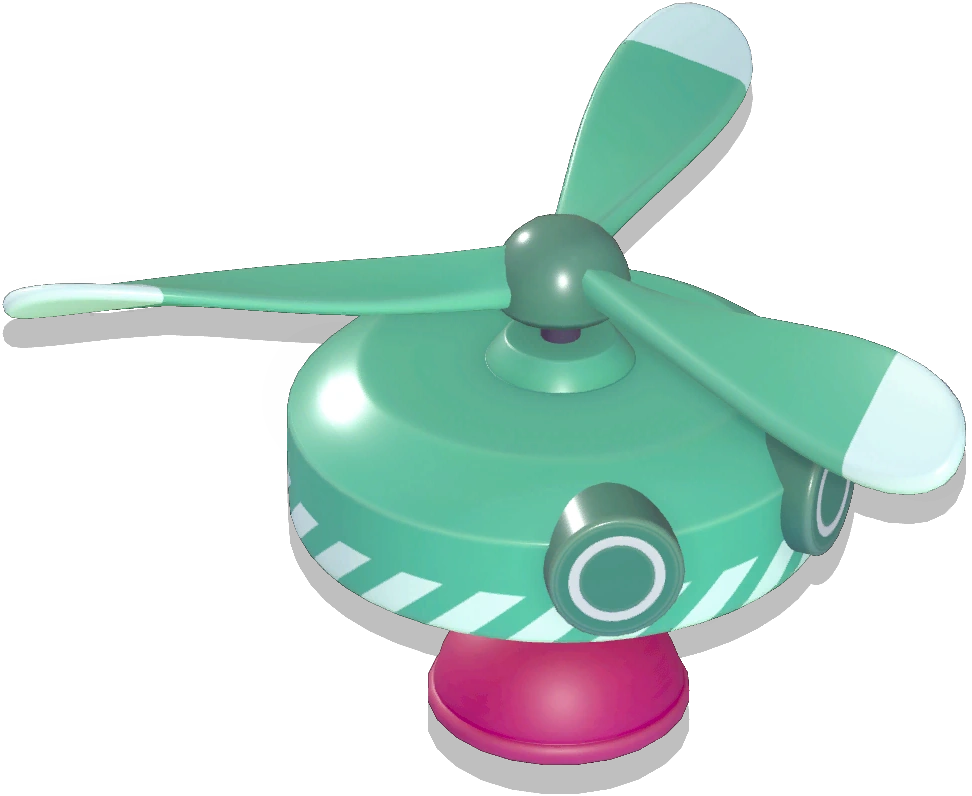
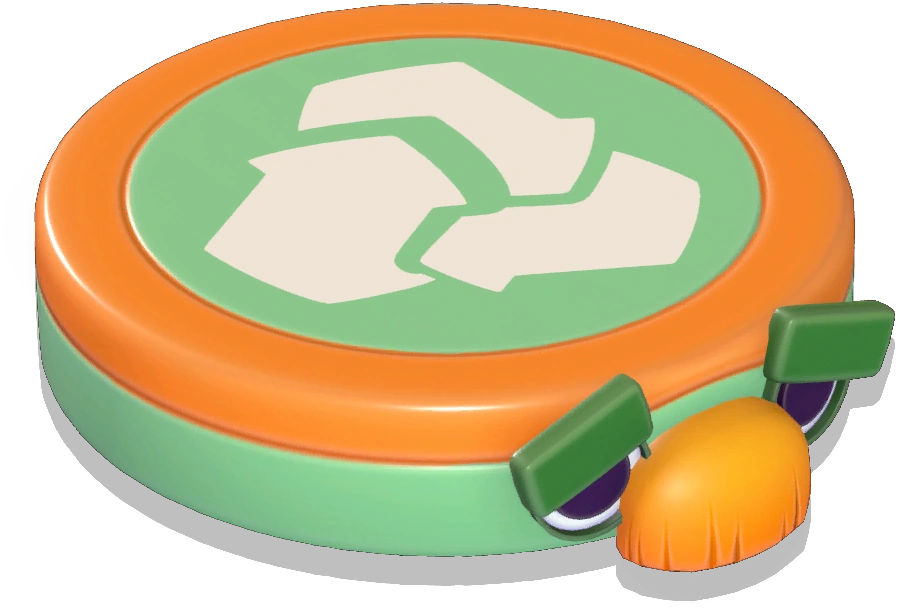



Settings
| Setting | Available arguments | Default | Notes |
|---|---|---|---|
| Toggle On/Off | True/False | True | |
| Start Delay (s) | 0-Time Limit (minutes) × 60 | 0 | Increments of 0.5 |
| Rotation Speed | Slowest, Very Slow, Slow, Normal, Fast, Very Fast, Fastest, Yeet | Very Slow | |
| Reversed? | True/False | False | |
| Lock Rotation | True/False | False | Becomes False if Ignore Rotation Axis is set to True |
| Ignore Rotation Axis | True/False | False | Becomes False if Lock Rotation is set to True |
Notes
- Before the Winter Update, Padded Mounds and Clouds lost their bounciness when linked to a Rotation Controller.
- Before the Yeetropolis Update, Bumper Blocks, Bumper Triangles, Bumpers, Drums, and Trigger Zones could not be linked to a Rotation Controller.
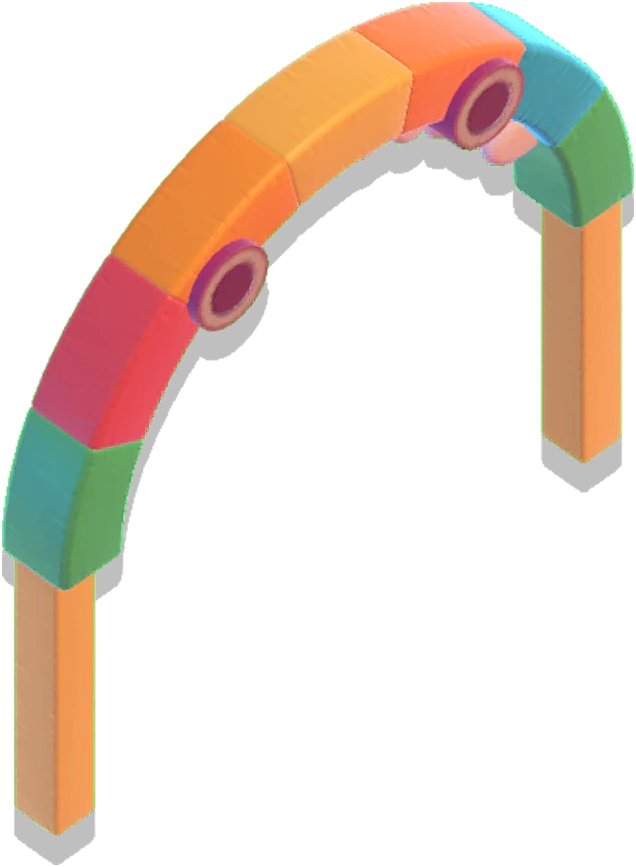
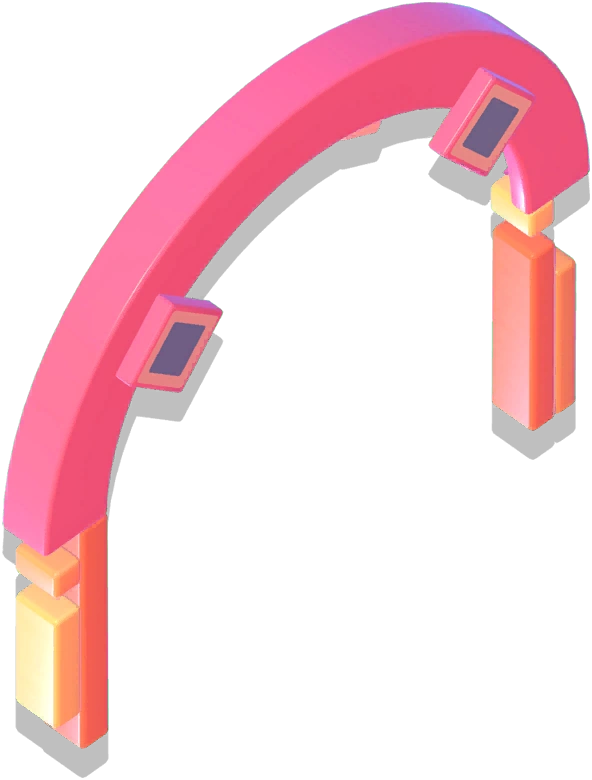
- Before the Tropical Tides Update, neither a Sign (Arrow Helper) nor an Arch could be linked to a Rotation Controller.
- A Rotation Controller's Yeet Speed setting is the same speed as a Rotating Hammer's Slow Rotation Speed Setting.
References
- ↑ "A decorative statue immortalising a brave bean. Hope it doesn't come to life with a rotation controller...!" - Statue description, Fall Guys Creative
- ↑ https://twitter.com/FallGuysOwl/status/1797622362566955469