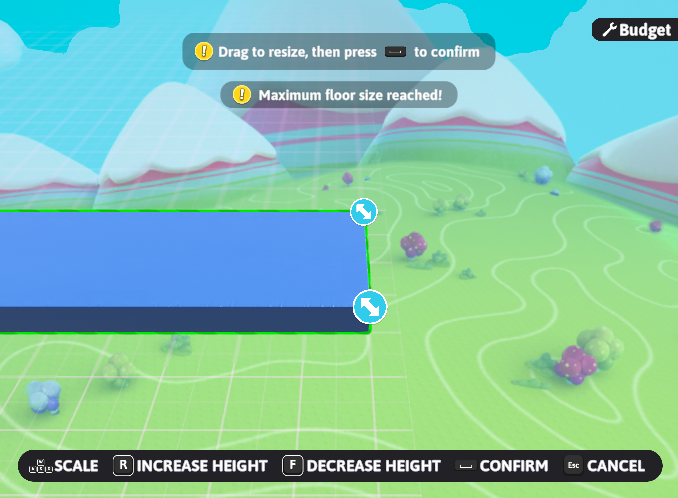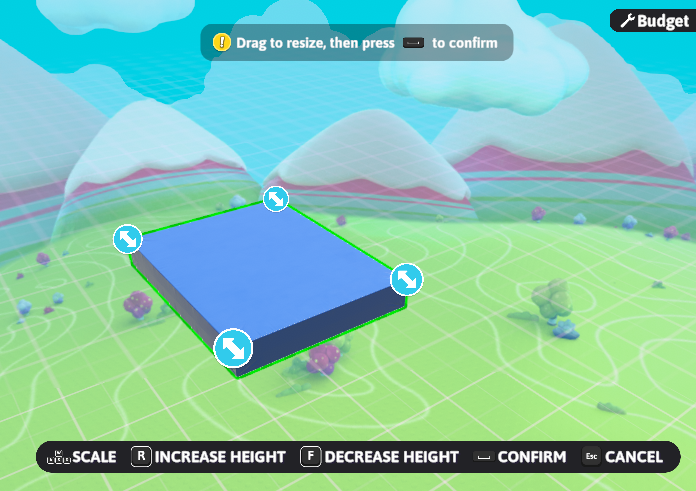
A Padded Floor being resized at its creation
Resizing is a feature in Fall Guys Creative that allows players to change the size of certain objects. Unlike Scaling, resizing gives an object a grid to change its bounds along. To resize an object, the blue icon at one of its edges must be selected, and the camera must be moved. Certain objects can have their heights changed as well. Height is not changed via the camera, but rather by moving the bound like any other object. The universal maximum horizontal size for all objects is 50 units, but it can be lower for certain objects. Maximum vertical size varies. Additionally, vertical units are only one quarter of the size of horizontal units.
When a resizable object is placed down for the first time, it immediately begins the resize process. After confirmation, the object is automatically copied, and the new object can only be placed on the grid of the original.
Compatible objects
| Object | Maximum length (units) | Maximum height (quarter-units) | Resizable width? | |
|---|---|---|---|---|
 |
Checkpoint Zone | 40 | 81 | Yes |
 |
Group Start Zone | 30 | ||
 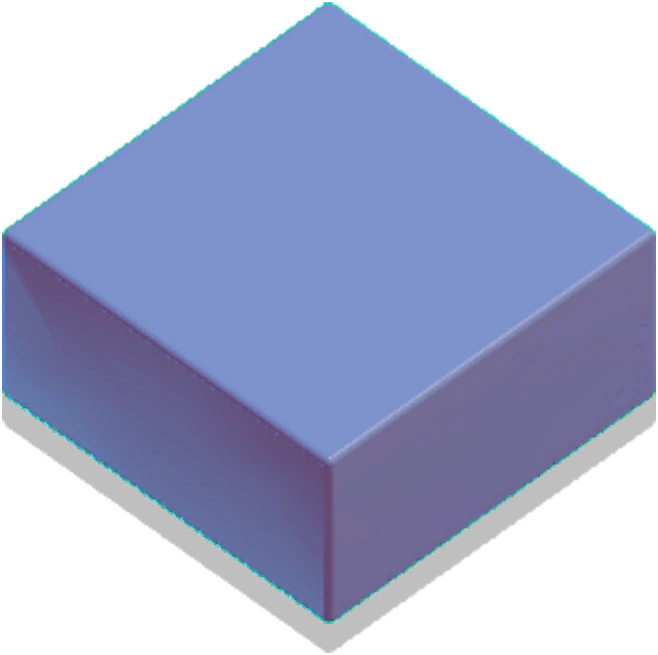 |
Padded Floor | 50 | 21 | |
 |
Padded Ramp (Custom) | N/A | No | |
  |
Basic Ramp (Custom) | |||
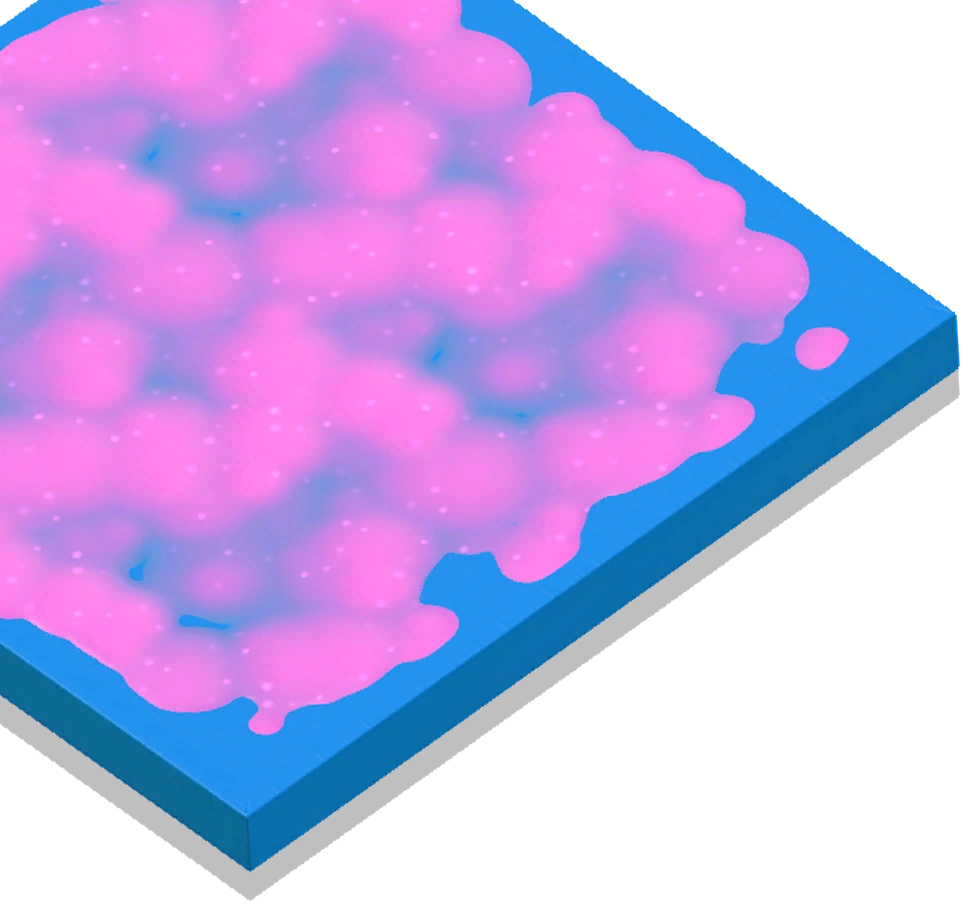 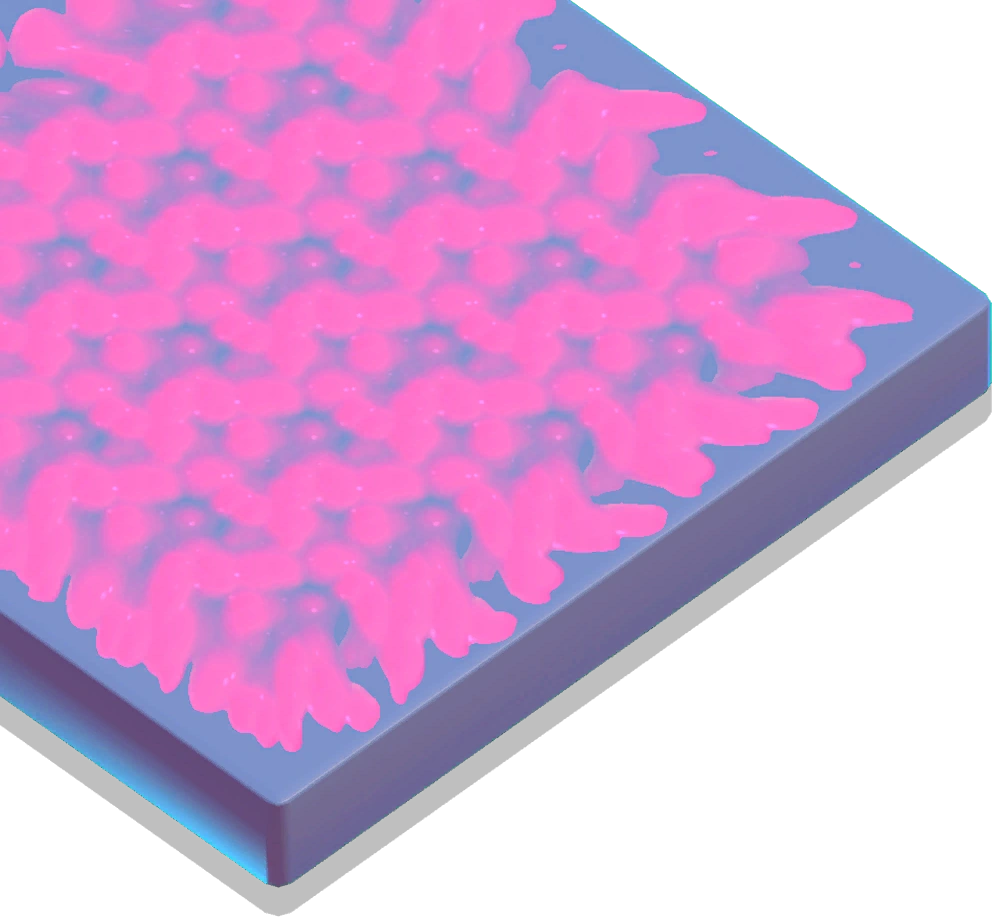 |
Slime Floor | 21 | Yes | |
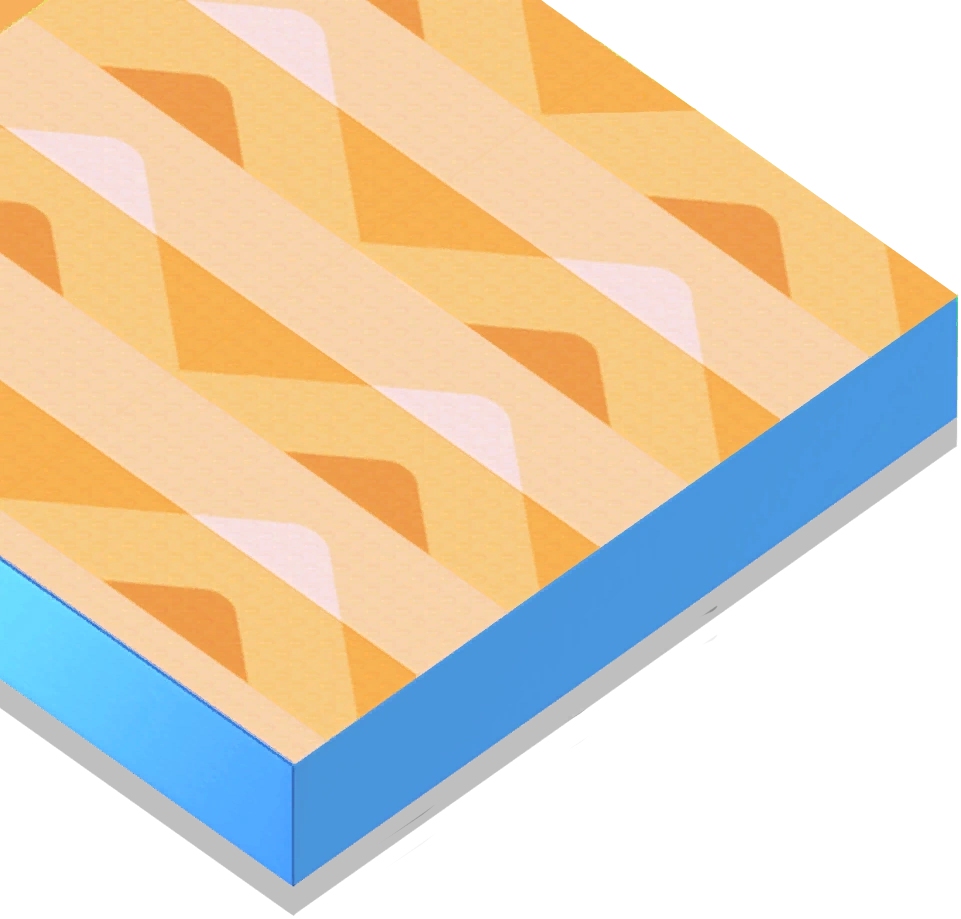  |
Conveyor Floor | |||
 |
Respawn Zone/Elimination Zone | |||
 |
Basic Edge | No | ||
 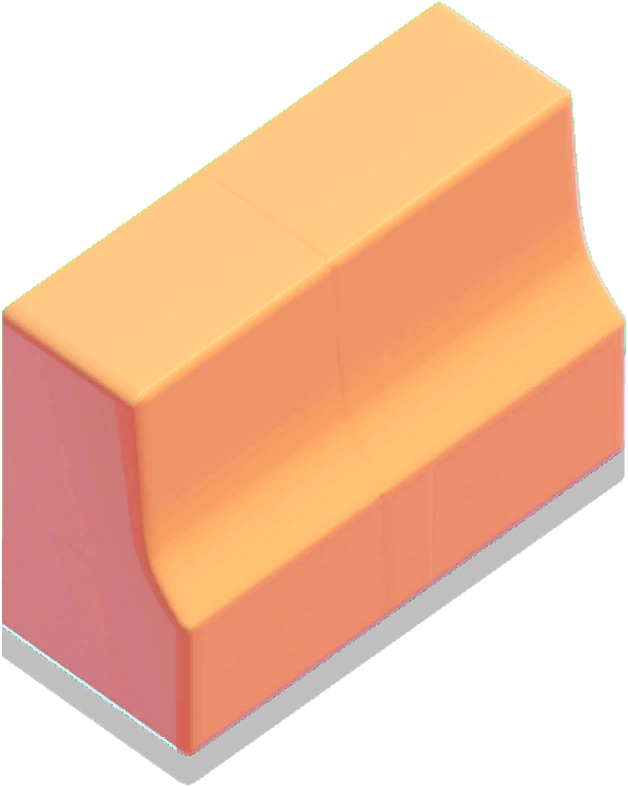 |
Curved Edge | N/A | ||
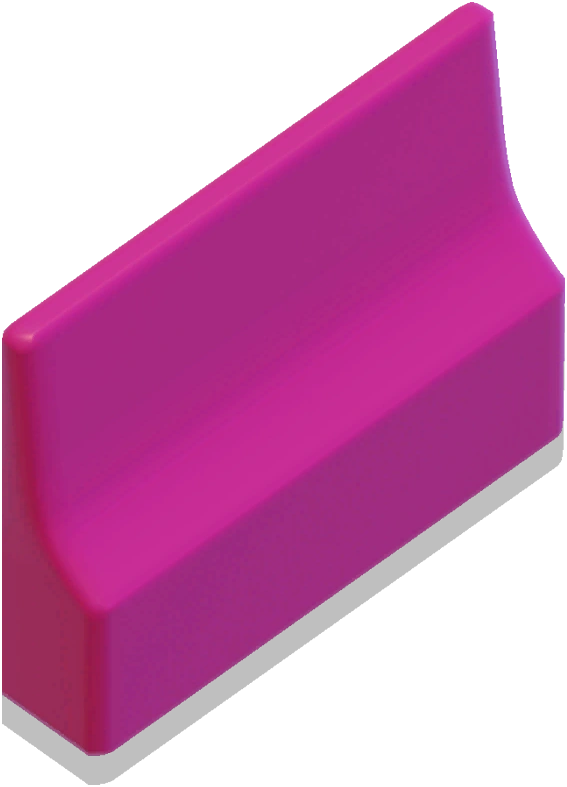 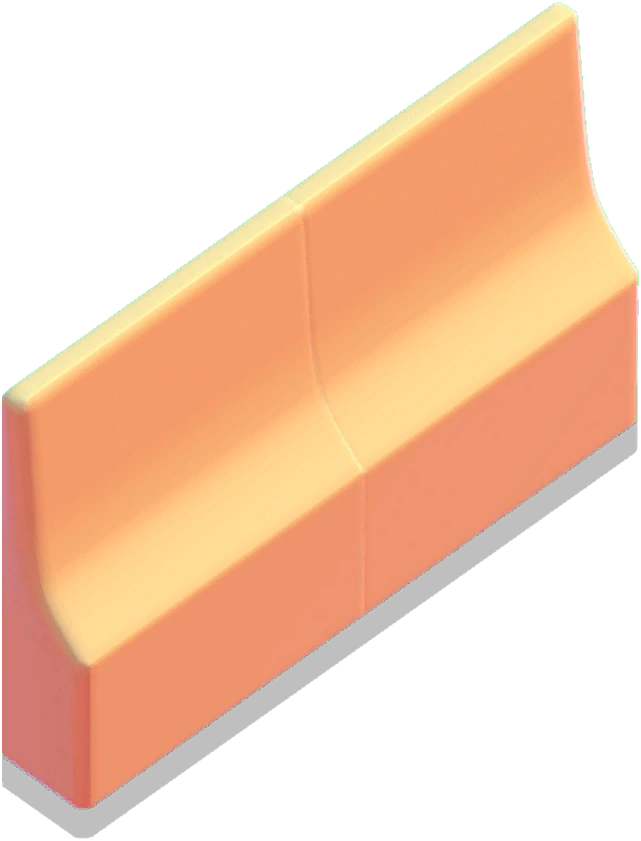 |
Curved Divider | |||
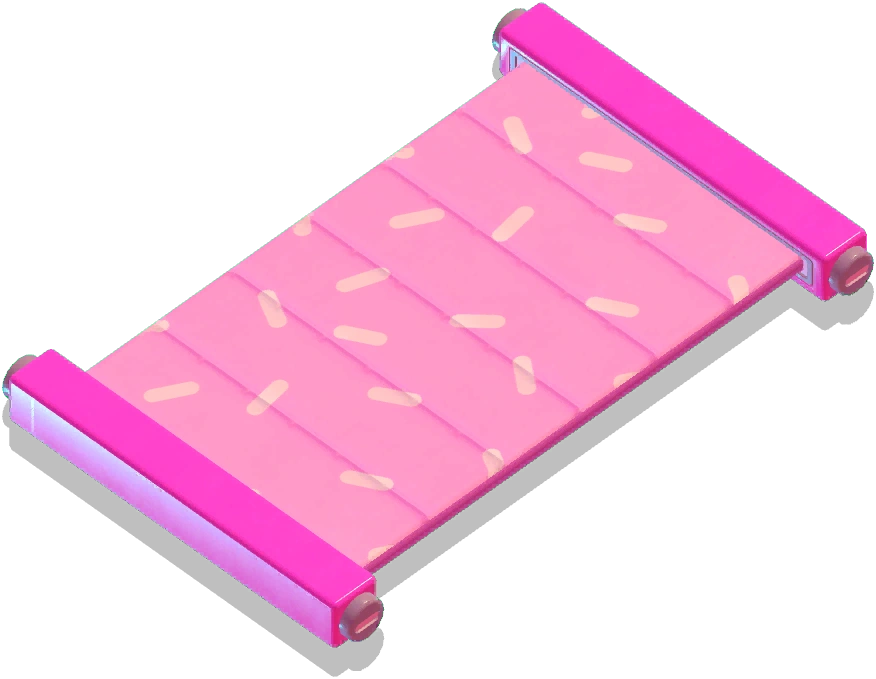 |
Bean Barrier | 10 | Yes | |
 |
Trigger Zone | Yes | Yes | |
Gallery
-
 Icon
Icon -
 Icon when readjusting an object's size
 -
 A Padded Floor being resized to its maximum