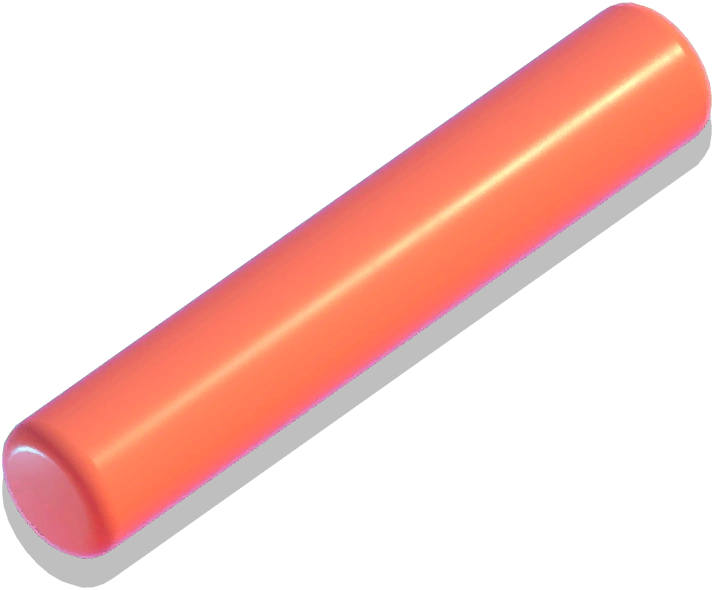
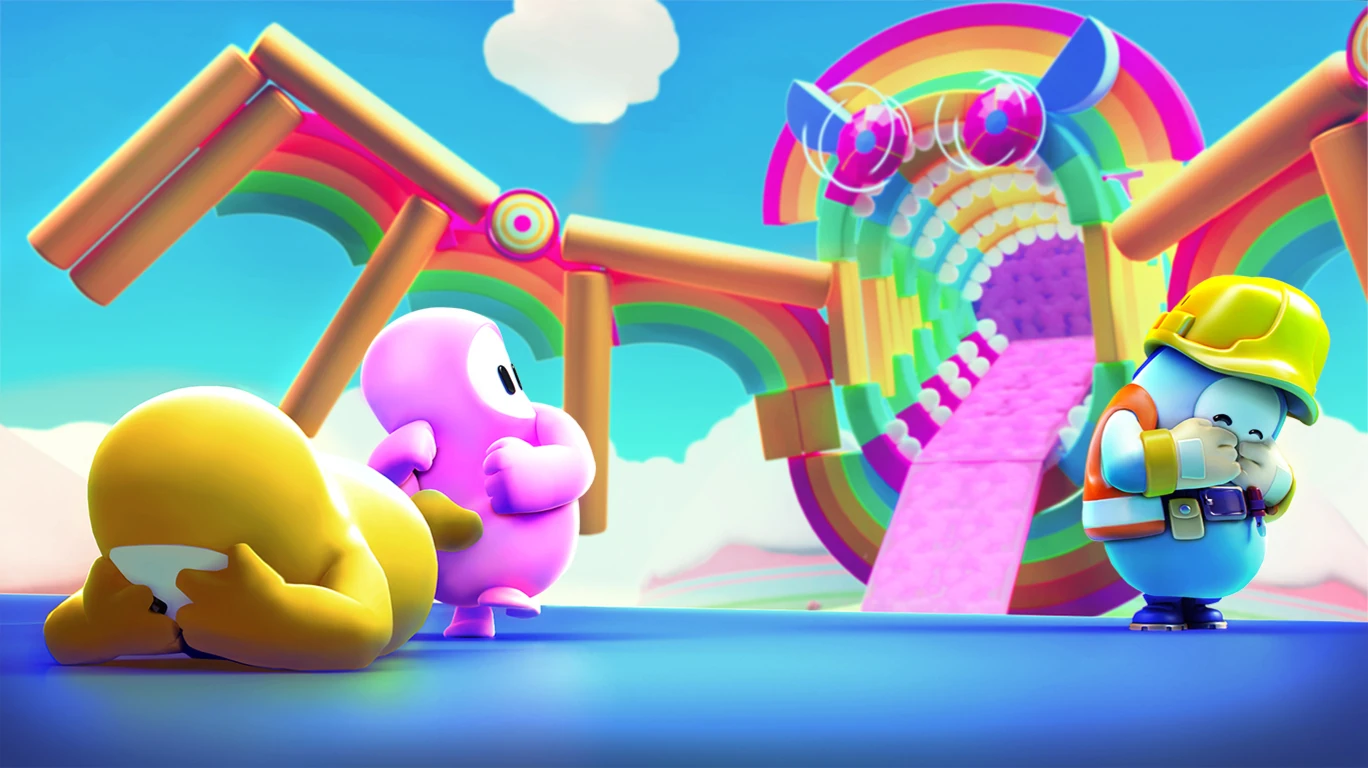
Beams are obstacles in Fall Guys. They were first introduced in Season 1 (Legacy).
Obstacle description
Beams are cylindrical objects that players can cross when laid on their sides. In order to traverse the beams, the player should attempt to remain in the center of the beam so as to keep balance and cross to the other side.
Hit Parade
Four wide orange beams and eight blue narrow beams are present in the first section of  Hit Parade. They are the intended path to make it to the second section; if the player falls off, they will have to deal with a slime-covered slope with bumpers, possibly losing time.
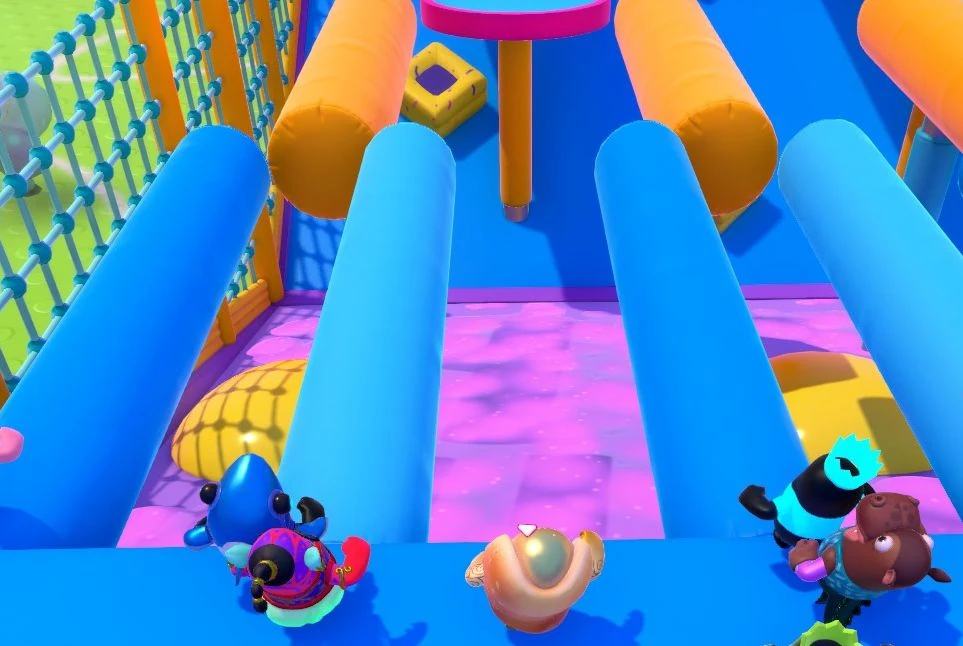
Hit Parade beams.
Lost Temple
One of the many possible rooms in  Lost Temple features a set of two beams perpendicular to each other over a pit. Players can cross them to reach the Doors on the other side.
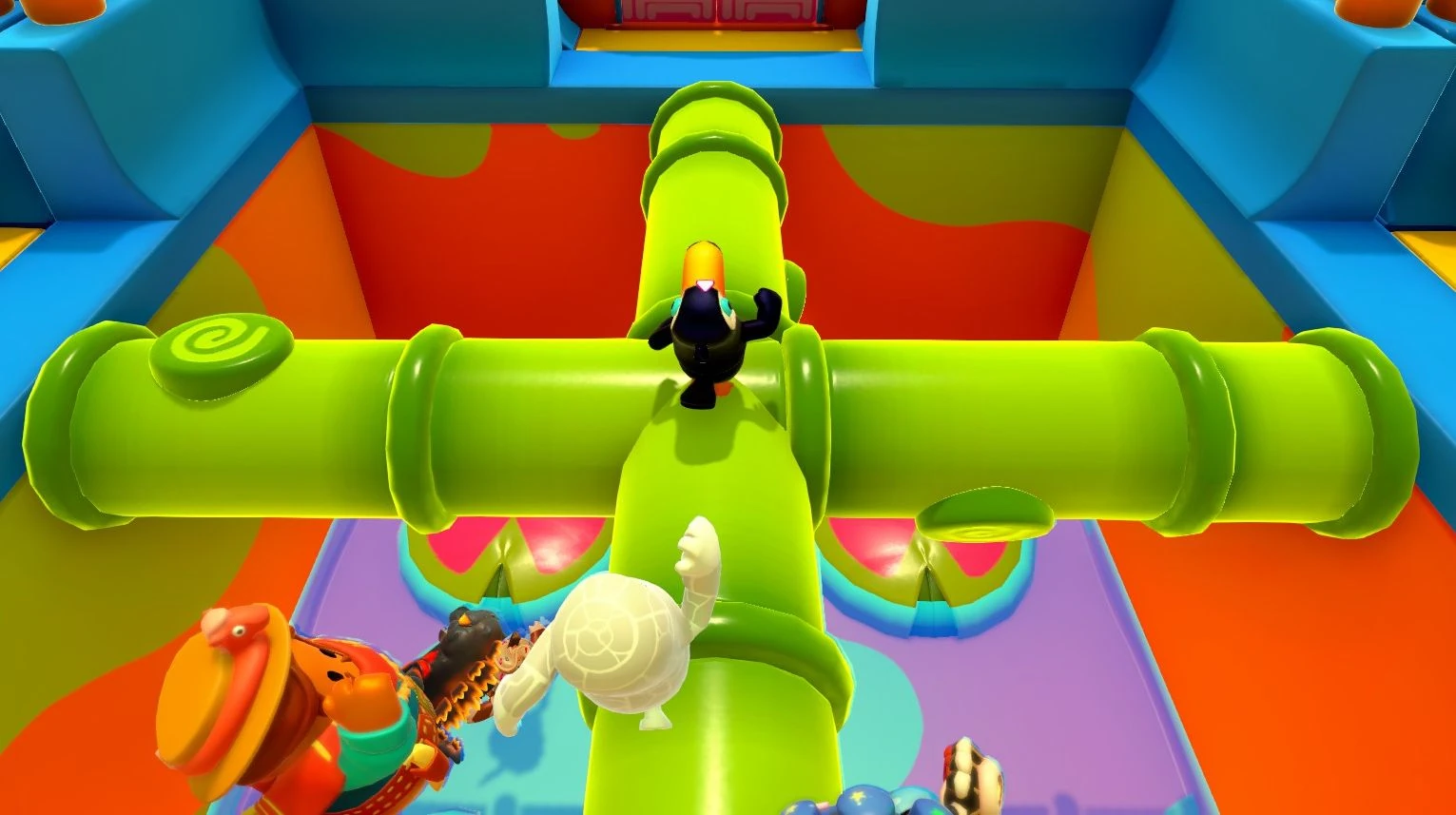
This room in Lost Temple features two beams.
Royal Fumble
There are eight vertical beams around the arena in  Royal Fumble: One in the middle of the raised platform by the small Spinning Plate, two close to either ramp leading to the small Spinning Plate, two on either side of the central walkway that leads to the big Spinning Plate, one on the top and one on the bottom of the conveyor belt and two on the small raised circular platforms by the ramps that lead up to the conveyor belt.
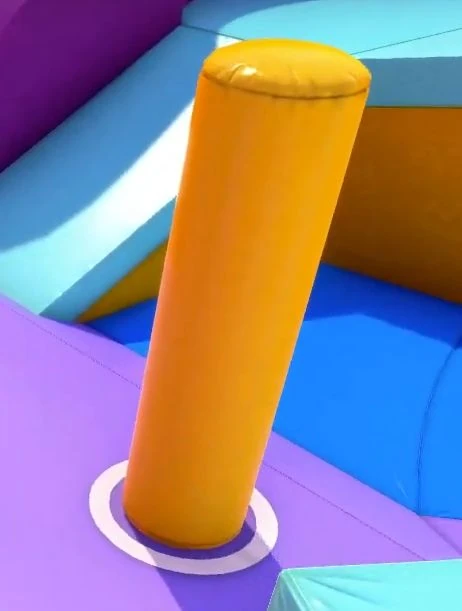
One of the beams in Royal Fumble.
Slime Climb
Three large yellow beams appear in the sixth section of  Slime Climb. The player must walk on the first two beams and make a successful jump to the third beam to progress. If the player falls, they will go back to the fifth section with conveyor belts and bumpers, which can result in a substantial loss of time to avoid the rising slime.
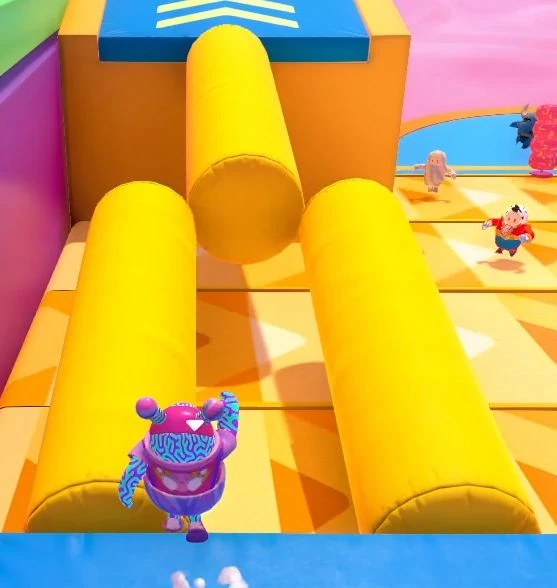
Slime Climb beams.
Tail Tag
There are sixteen vertical beams placed around the arena in  Tail Tag, with eight of them being distributed in a circle around the central platform and eight more being clustered together in a portion of the arena's outermost area.
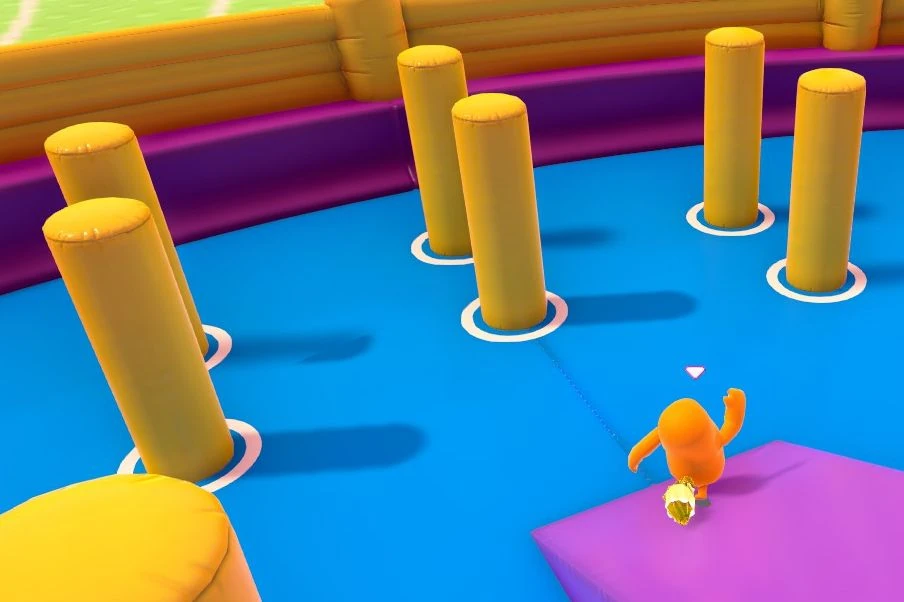
Some beams in Tail Tag.
Team Tail Tag
A set of five vertical beams is at the very center of the arena in Team Tail Tag.
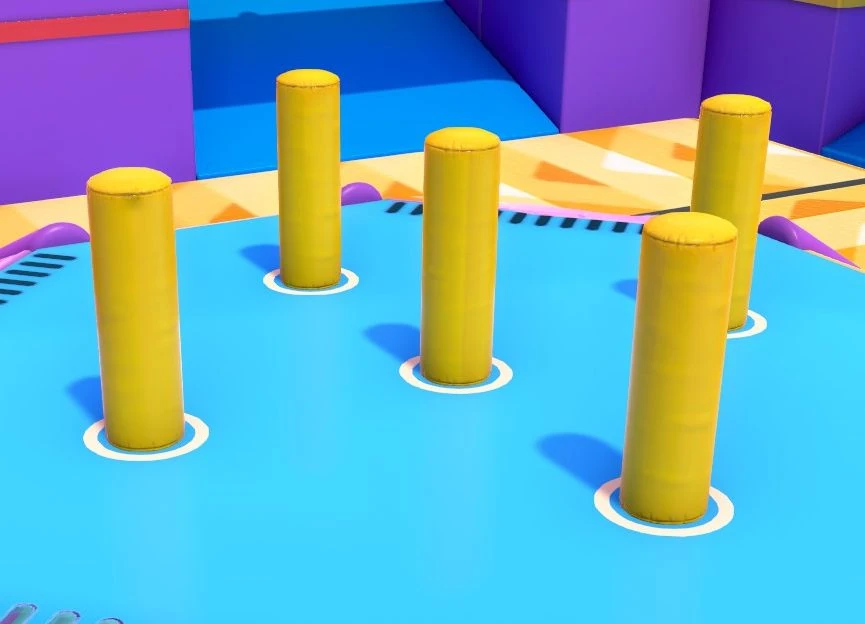
Beams in Team Tail Tag.
The Slimescraper
 The Slimescraper features a unique curved beam that bridges ramps 5 and 6. It is surrounded by a low-gravity zone and has three small fans mounted on it which can impede players by blocking their path or knocking them down.
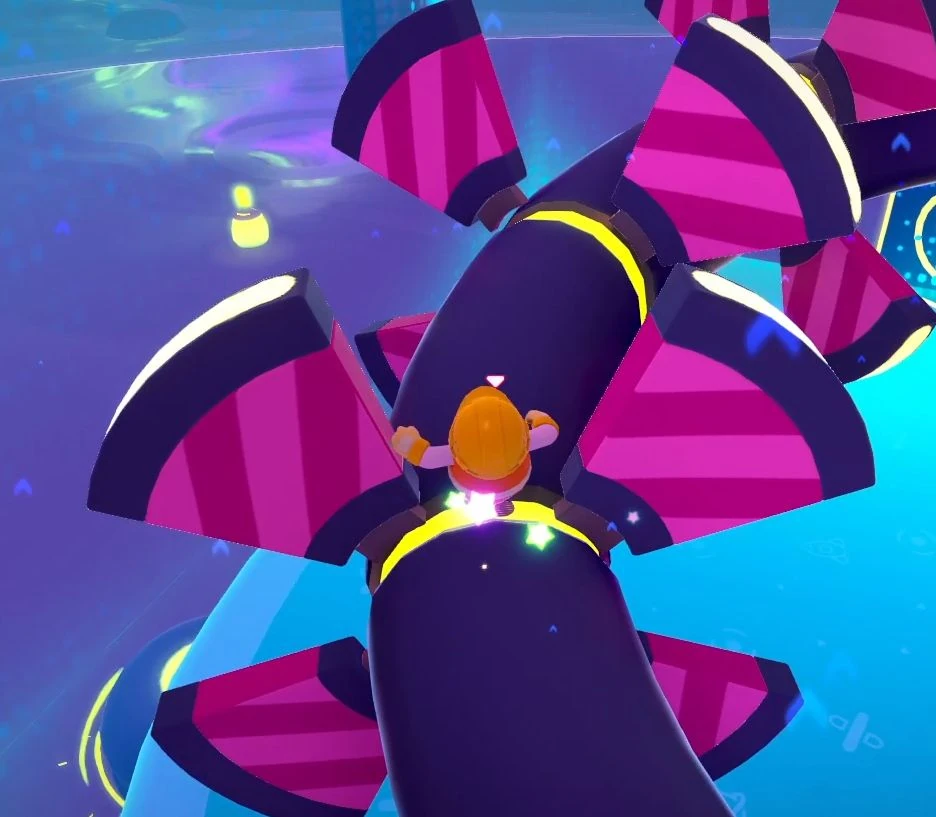
The unique curved beam on The Slimescraper.
Track Attack
 Track Attack features a number of red beams. These are thicker than usual and must be traversed by players wishing to remain on the top path.
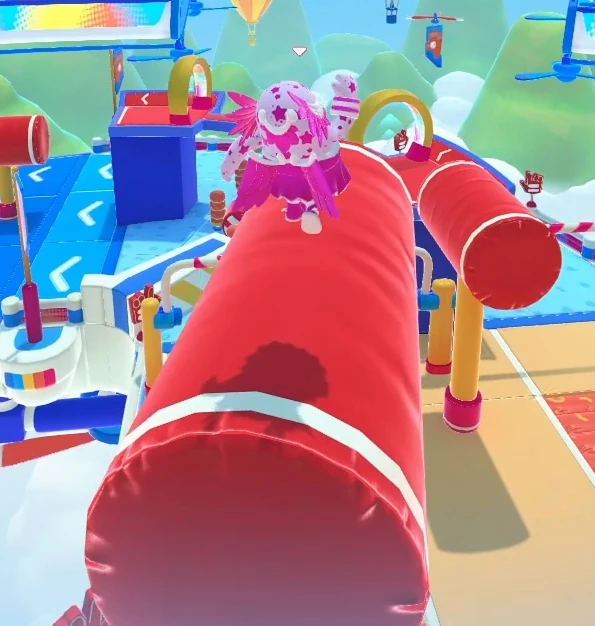
A Beam on the upper path of Track Attack.
Treetop Tumble
 Treetop Tumble features a set of three beams immediately after the first junction point between the upper and lower paths. The first Beam is longer, while the next two are shorter, with a gap between them that players must jump over, if they wish to remain on top of them. Each beam has a Fan to add difficulty to crossing them.
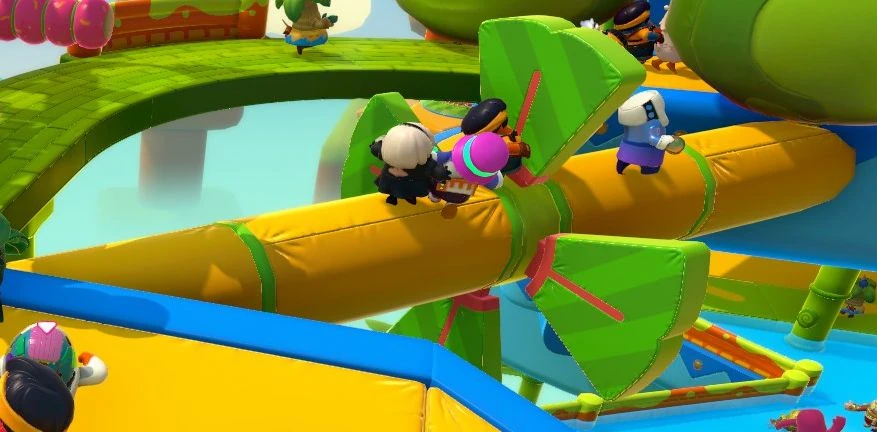
A Beam on the upper path of Treetop Tumble.
Elimination Screen
Though not a level, during the elimination screen, eliminated players fall down into a plinko-style area where they bounce around many purple-coloured beams.
Fall Guys Creative
In Fall Guys Creative, Beams are known as Padded Beams. With a cost of 1 budget, they are the cheapest objects with an actual cost in the game. They are often linked to a Rotation Controller to recreate Rotating Beams and Moving Bumper Rings.
| Setting | Available arguments | Default | Notes |
|---|---|---|---|
| Visibility | True/False | True | |
| Colour | See: Colour Palette | Colour 12 (Original), Colour 11 (Digital) | Unavailable if Visibility is False |
| Size | Small, Medium, Large | Medium | |
| Length | 0.25-10 | 1 | Increments of 0.25 Becomes the same as Scale whenever Scale is changed |
| Height | 0.25-10 | 1 | Increments of 0.25 Becomes the same as Scale whenever Scale is changed |
| Depth | 0.25-10 | 1 | Increments of 0.25 Becomes the same as Scale whenever Scale is changed |
| Scale | 0.25-10 | 1 | Increments of 0.25 |
| Collision | True/False | True | |
| Physics | True/False | False | |
| Weight | Light, Medium, Heavy | Medium | Unavailable if Physics is False |
| Grabbable | True/False | False | Unavailable if Physics is False |
| Destructible | True/False | False | Unavailable if Material is not None Unavailable if Collision is False |
| Force Needed | Any Force, Only High Forces | Any Force | Unavailable if Material is not None Unavailable if Collision is False |
| Respawn if Destroyed | True/False | True | Unavailable if Material is not None Unavailable if Collision is False |
| Hits Required | 1, 2, 3 | 1 | |
| Points Granted | -5, -3, -1, 0, 1, 3, 5 | 1 | Available only in POINTS mode |
| Material | See: Materials | None | Becomes Disabled if Destructibility is True |
Gallery
-
 A Beam from Season 4
 -

-
 Promotional artwork for Slime Climb Time
 -
 Promotional artwork for Falloween 2023
 -
 Key art for the Survival Update